



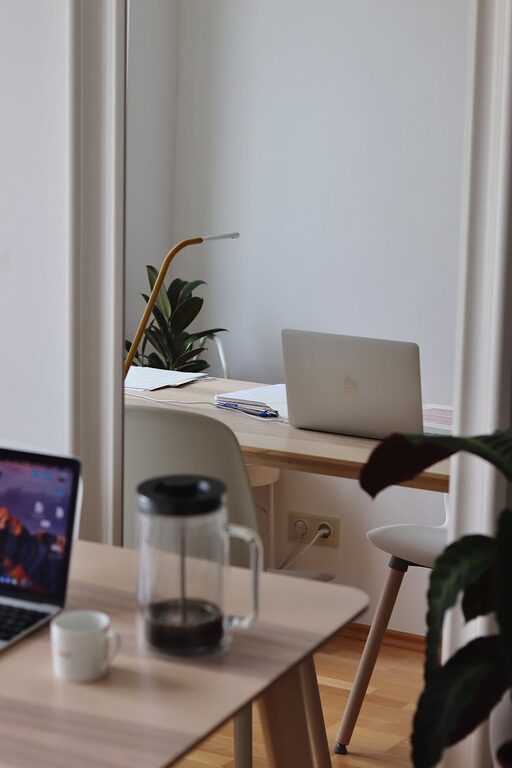
Creating a productive home office environment is essential for maintaining focus, managing tasks efficiently, and enjoying a good work-life balance. With more people working remotely, having a dedicated, well-organised space can make all the difference in your daily routine. This guide shares practical tips to help you set up and maintain a home office that supports productivity and well-being.
Choose the Right Location
Selecting where to set up your home office is the first step. Ideally, choose a quiet space with minimal distractions. A spare room or a corner away from busy household areas can help create separation between work and personal life.
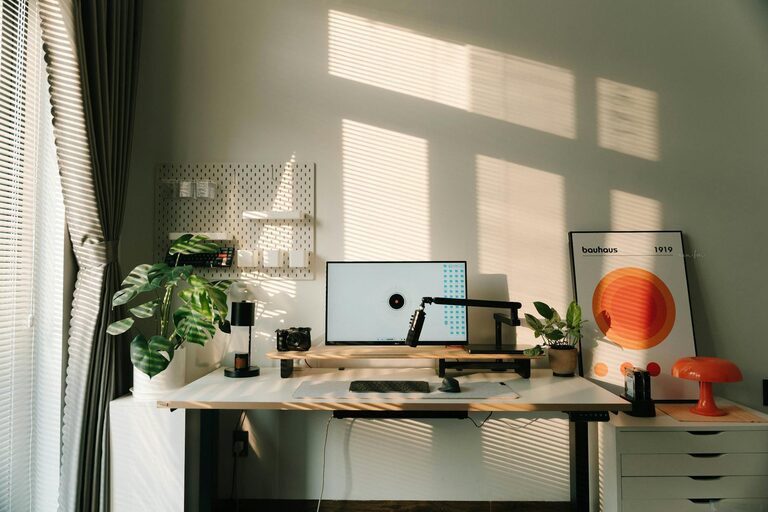
– Consider natural light: Working near a window can improve mood and reduce eye strain.
– Avoid high-traffic zones: Steer clear of kitchen or living room areas where activity is frequent.
– Ensure easy access to power outlets for your devices.
Invest in Ergonomic Furniture
Comfort plays a crucial role in productivity. Ergonomic furniture reduces physical strain and helps maintain good posture during long hours of work.
– Chair: Opt for an adjustable chair with lumbar support.
– Desk: Choose a desk at the right height; standing desks are popular alternatives.
– Monitor: Position your screen at eye level to avoid neck strain.
Organise Your Workspace Effectively
A clutter-free, organised desk helps maintain focus and reduces stress. Consider the following organisation tips:
– Use storage solutions such as shelves, drawers, and desk organisers.
– Keep frequently used items within easy reach.
– Regularly declutter to remove unnecessary items.
Manage Lighting and Screen Glare
Proper lighting is important for comfort and productivity.
– Avoid direct glare on your computer screen by positioning monitors perpendicular to windows.
– Use adjustable task lighting to illuminate your workspace without causing shadows.
– If natural light is limited, invest in quality LED lighting with adjustable brightness.
Minimise Distractions
Creating boundaries can help minimise distractions that interrupt your workflow.
– Set specific work hours and communicate them to household members.
– Use noise-cancelling headphones if ambient noise is an issue.
– Turn off non-essential notifications on devices during focused work periods.
Incorporate Personal Touches
Adding small personal touches can make your workspace more inviting and motivating.
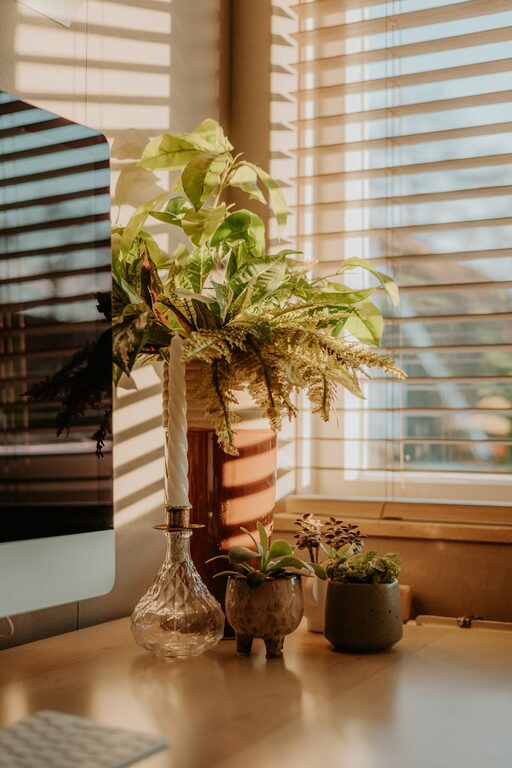
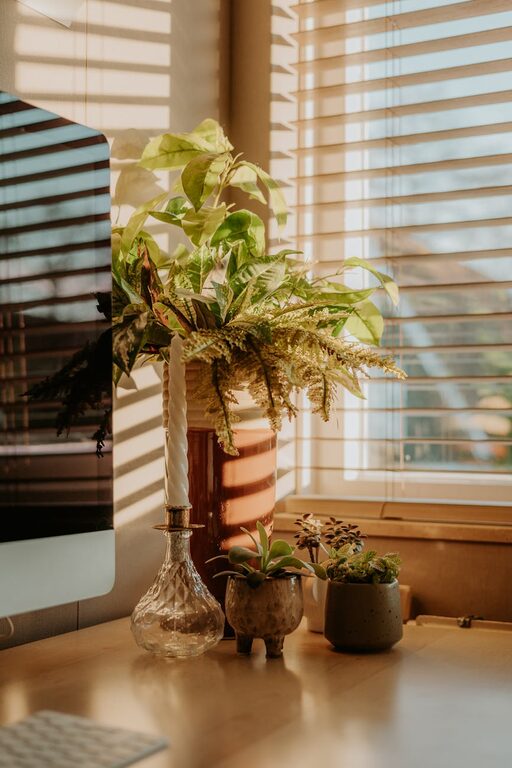
– Include plants to improve air quality and create a calming atmosphere.
– Display inspiring artwork or photos.
– Choose colours and decorations that enhance your mood without cluttering the space.
Utilise Technology Wisely
Leverage technology to enhance your productivity and stay organised.
– Use productivity apps for task management and scheduling.
– Keep your devices updated and backed up regularly.
– Invest in a reliable internet connection to avoid interruptions.
Take Regular Breaks and Move
Sitting for prolonged periods can negatively impact health and productivity.
– Follow the 20-20-20 rule: every 20 minutes, look at something 20 feet away for 20 seconds.
– Stand up and stretch regularly.
– Incorporate short walks or simple exercises to refresh your mind.
Maintain a Routine
A consistent routine helps create a clear distinction between work and personal time.
– Start your workday with a morning ritual, such as a brief review of priorities.
– Schedule regular breaks and lunchtime away from your desk.
– Set a clear time to finish work and transition to personal activities.
Keep Your Workspace Clean
A clean environment supports focus and reduces stress.
– Schedule regular cleaning to keep surfaces dust-free.
– Remove food and drink regularly to avoid mess and pests.
– Ensure proper cable management to prevent tangles and accidents.
—
Creating a productive home office is about combining comfort, organisation, and a healthy work routine. By dedicating time to design your workspace thoughtfully, you can enjoy increased focus and satisfaction in your day-to-day work. Whether you have a whole room or a small corner, these tips will help you make the most of your home office setup.